The short version
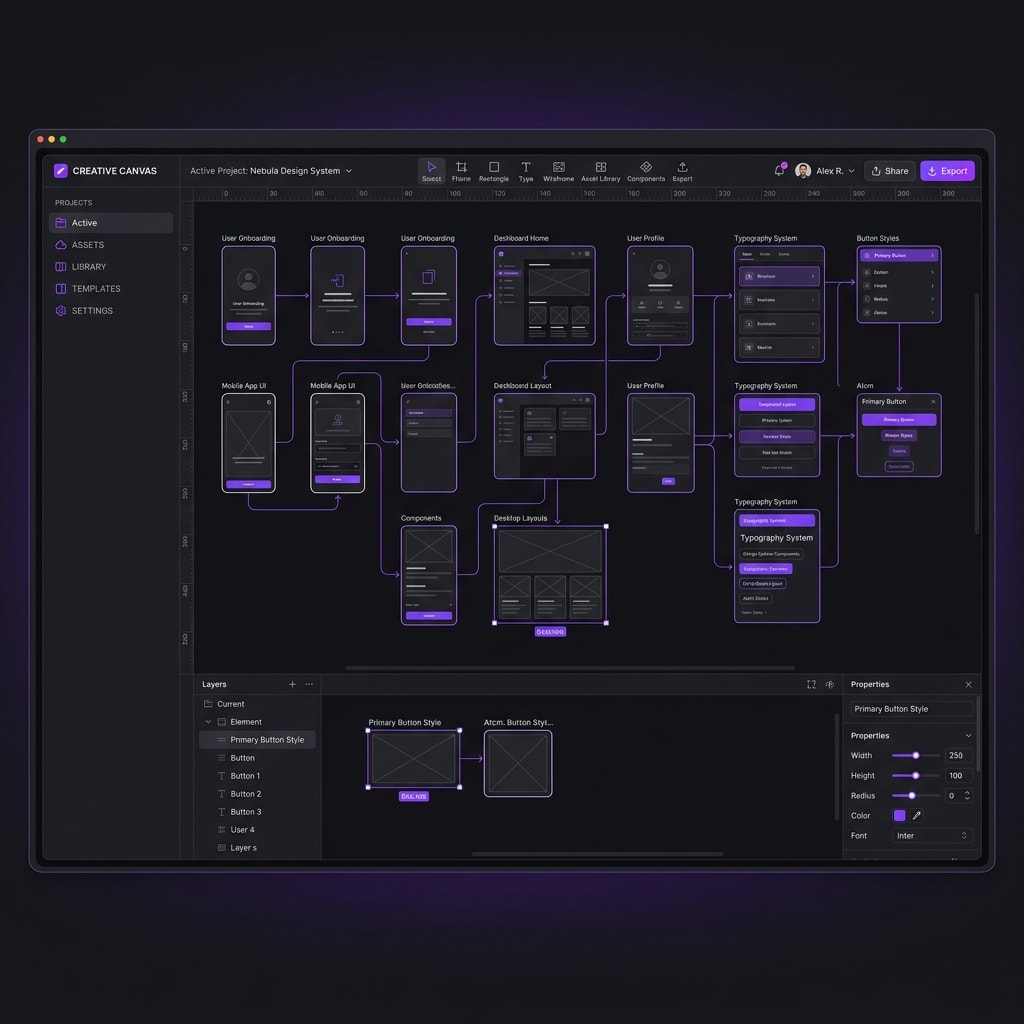
Anthropic has unveiled "Claude Design," an interactive canvas-like workspace that allows users to build, edit, and prototype visual designs alongside the Claude assistant. The launch marks Anthropic's first major product expansion focused specifically on design and visual workflows.
Alongside the tool, Anthropic announced a deep integration with design platform Canva. The partnership allows users to import Canva design assets directly into Claude Design, generate wireframes, refine visual components, and export polished layouts back to Canva for final customization or publishing.
What happened
Claude Design moves beyond the standard chatbot window, introducing a two-dimensional visual workspace. In this interactive canvas, users can prompt Claude to generate user interface layouts, wireframes, and design components. The assistant can visually modify elements, adjust color schemes, and structure responsive designs on a grid.
The platform generates clean, standards-compliant code behind the scenes, allowing designers to export their creations directly as HTML, CSS, React components, or vector assets (SVG).
The partnership with Canva bridges the gap between raw AI generations and collaborative team environments. Users can leverage Canva's massive asset library and template structure, while using Claude Design to automate layout adjustments, generate content, and explore style variations.
The Technical Foundation: Interactive Canvas State and Vector Rendering
At its core, Claude Design is built on top of an interactive canvas state engine. When Claude proposes visual mockups, they are not rendered as static pixels. Instead, the assistant generates a structured JSON representation of the visual hierarchy—specifying layout boundaries, layout constraints, sizing, spacing, and styling tokens.
This state is compiled locally into SVG nodes or clean CSS classes, allowing real-time rendering on the canvas. Because the design lives as an active code state, users can click on specific components to select them, edit layout nodes directly, or instruct Claude to modify a select portion of the design without affecting the rest of the canvas.
Why it matters
For years, generative AI has been highly effective at generating standalone images or writing text, but has struggled to fit into the structured, iterative workflows of professional designers. Claude Design represents a step toward solving this interface problem by offering a dedicated space where developers and designers can iterate on layouts interactively.
Key implications for the industry include:
- Lowering Design Barriers: Startups, small businesses, and non-technical founders can quickly build clean, functioning mockups and landing page designs without requiring deep design software skills.
- Faster Prototyping: Design teams can generate and test dozens of layout variants in minutes, bypassing the tedious process of manual wireframing.
- Figma and Adobe Competition: While Figma and Adobe have built AI features into their tools, Anthropic is taking an "AI-first" approach to the interface, which could shift how teams choose to kick off projects.
What to watch next
The visual design tool is currently in limited preview for Claude Pro and Team accounts, with plans for a broader rollout in the coming months. We should watch how design agencies integrate this canvas workflow into their client iterations, whether Figma and Adobe respond with major platform-level upgrades to their native AI features, and how the connection between design generation and code export evolves to streamline frontend engineering.