The short version
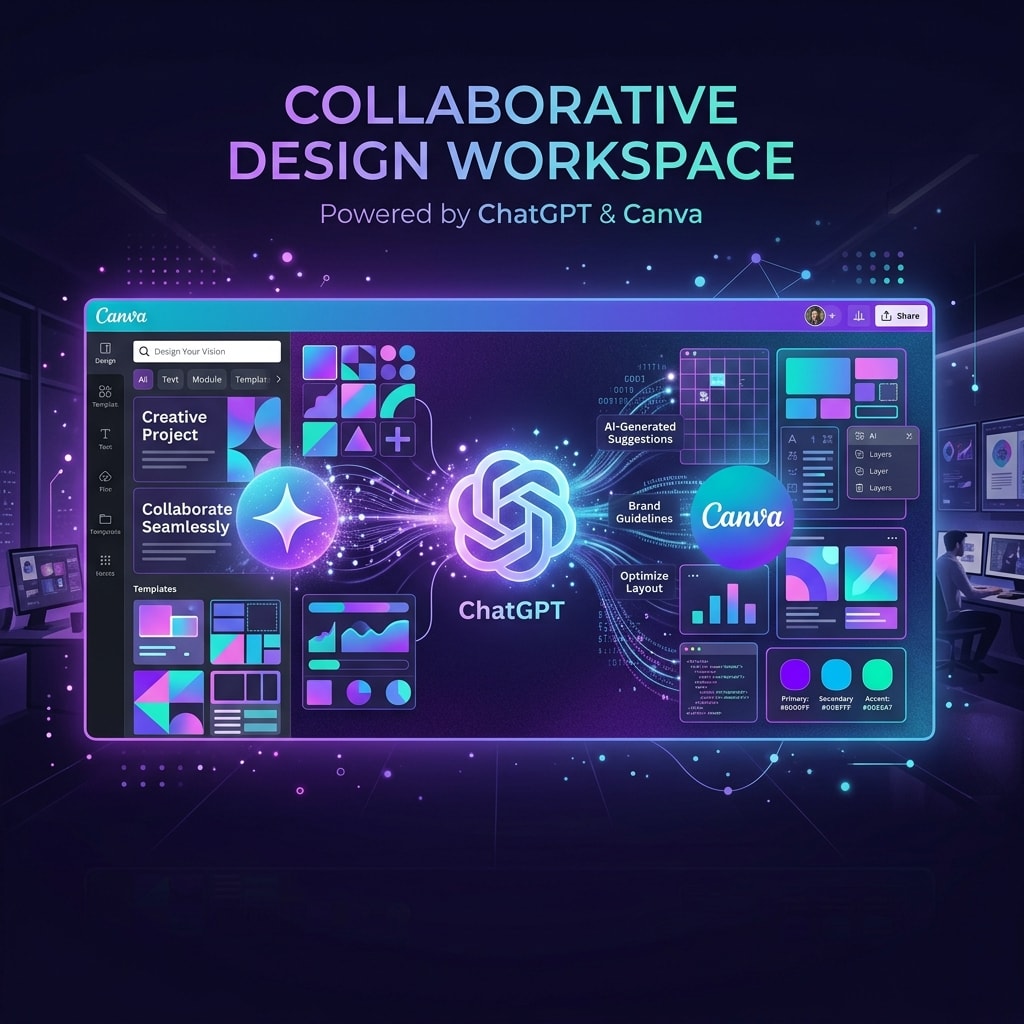
OpenAI has announced a partnership with visual communication platform Canva to build Canva's design capabilities directly into ChatGPT. The integration enables ChatGPT Plus and Enterprise users to generate, modify, and export visual presentations, social media templates, posters, and business layouts within their chat conversations.
Instead of generating simple flat images via DALL-E, ChatGPT can now query Canva's template library, select appropriate layouts, customize fonts and colors based on text instructions, and provide a direct link to edit the result inside the Canva editor.
What happened
The integration represents an evolution of ChatGPT's plugin and custom GPT systems into a native, interactive workspace tool. When a user asks ChatGPT to create a slide deck or design a flyer, the AI uses Canva's API to construct a customized visual draft using Canva elements.
Users can refine the layout in real-time by giving text feedback, such as asking to switch the color palette to match a brand style or change the headline text. Once satisfied, a single click opens the project in Canva with all layers, text fields, and vectors editable, allowing for manual adjustments.
This launch is part of OpenAI's broader push to build ChatGPT into a comprehensive productivity assistant where users can write, code, analyze data, and design visual collateral without switching between separate browser tabs.
Behind the Integration: Interactive Vector Mapping and API Pipelines
Technically, the Canva plugin relies on structured vector translation. When ChatGPT receives a prompt to construct a layout, it generates an API request containing semantic layout structures, textual copy, and color definitions. Canva's API parses these parameters, matches them against curated vector grids, and returns a live, editable preview.
Because the canvas data is represented in a standardized, layered format (rather than flat pixels), ChatGPT can perform iterative updates—such as changing fonts, adjusting offsets, or substituting images—by editing individual node attributes in the API payload. This creates a much tighter, more predictable design experience than pure image prompting.
Why it matters
The Canva integration highlights the growing demand for interactive, layered content generation over simple, flat media outputs. While static AI images are useful for conceptual work, businesses require editable files that fit standard templates and brand guidelines.
Key takeaways from the partnership include:
- Enterprise Workflow Synergy: Teams can bridge the gap between copywriting and layout design, automating the initial drafting phase of marketing materials.
- App Ecosystem Strategy: Rather than building all visual creation tools internally, OpenAI is leveraging third-party platform APIs to expand ChatGPT's functionality quickly.
- Simplified Licensing: By using Canva's template libraries, generated designs can leverage Canva's asset licensing rules, reducing legal risks for corporate users.
What to watch next
The Canva integration is rolling out to all ChatGPT Plus and Team subscribers starting this week. The next phase will likely involve deeper bidirectional connections, allowing changes made inside the Canva editor to sync back to the ChatGPT conversation. It will also be important to see how competitor design suites like Adobe and Figma expand their native AI assistance options to keep users from initiating their design process inside ChatGPT.